


iPhone & iPad Disabled / Security Lockout
Locked out after too many incorrect passcode attempts.


How to...
iPhone Repair and Recovery
iPhone Unlocking and Access
Support

Passper Pro
All-in-one file password recovery

Passper for Excel
Excel password remover

Passper for Word
Word password remover

Passper for PowerPoint
PowerPoint password remover

Passper for PDF
PDF password remover

Passper for RAR
RAR password unlocker

Passper for ZIP
ZIP password unlocker

Passper WinSenior
Windows password recovery

Fixppo
iOS system repair
Online File Restriction Removal
Remove supported file restrictions online
How to
iPhone Repair and Recovery
iPhone Unlocking and Access
Support
iMyFone LockWiper
Unlock your iPhone without the passcode.
iMyFone LockWiper is iPhone unlock software for Windows, Mac, iOS and Android. Remove supported screen passcodes and explore dedicated Apple ID, MDM and Screen Time modes.
4.8/5 (18,920 reviews)
10+Years
iOS Unlocking Expertise
Years of experience developing reliable iPhone unlocking solutions.
40+Models
Wide iPhone & iPad Compatibility
Supports a broad range of iPhone and iPad models, with unlocking options for different iOS versions.
99%
iPhone Unlock Success Rate
Reliable unlocking performance for supported devices and lock scenarios.
3Steps
Easy iPhone Unlocking
No tedious steps—unlock your iPhone in just 3 simple steps.
From forgotten passcodes to device restrictions, find the right unlocking solution for your iPhone or iPad.
Locked out of your iPhone or iPad? Find solutions for disabled devices and screen access problems.
Locked out after too many incorrect passcode attempts.

Unlock iPhone without passcode when you forget your 4/6-digit code.

Explore screen access options when Face ID stops recognizing you.
Having trouble with your Apple Account or device activation? Explore the available options.

Review Activation Lock requirements. Removing an Apple ID is a separate operation.
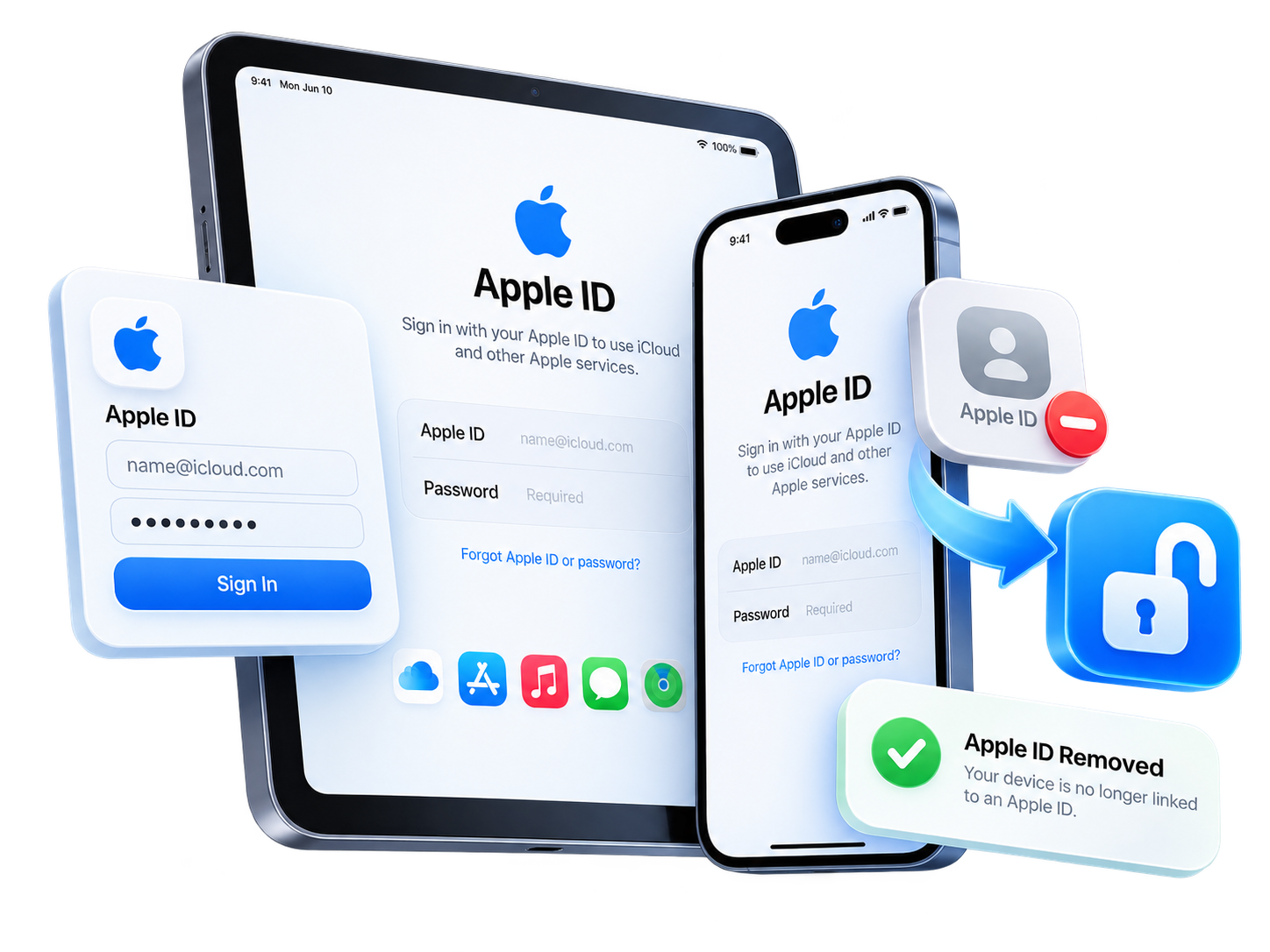
Explore Apple ID removal on supported, activated iPhone and iPad devices.
Forgot a Screen Time passcode or need to remove authorized device management restrictions?
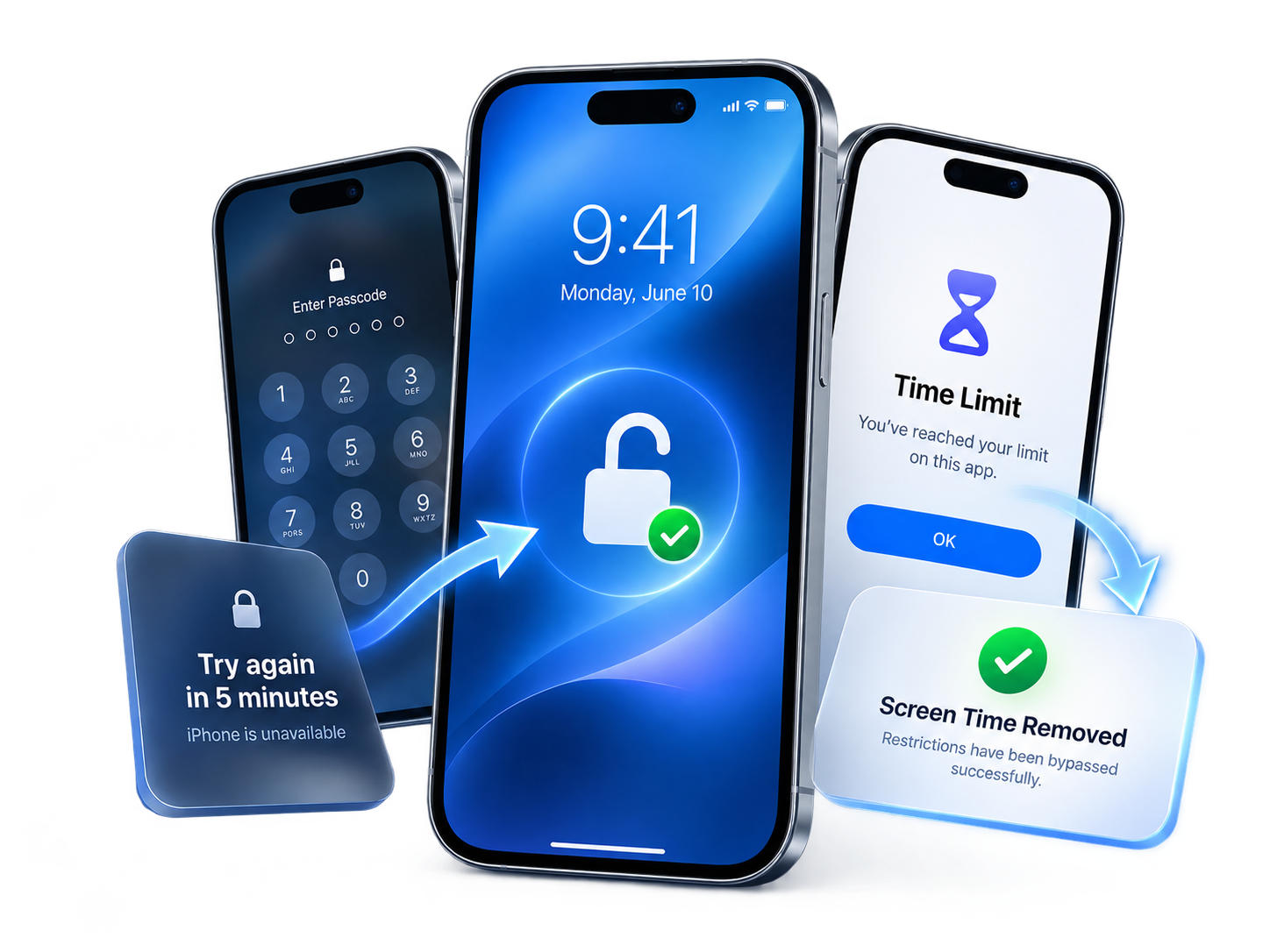
Review supported options for a forgotten Screen Time passcode.

Remove supported Screen Time restrictions and app limits.

Remove supported management restrictions on authorized devices.
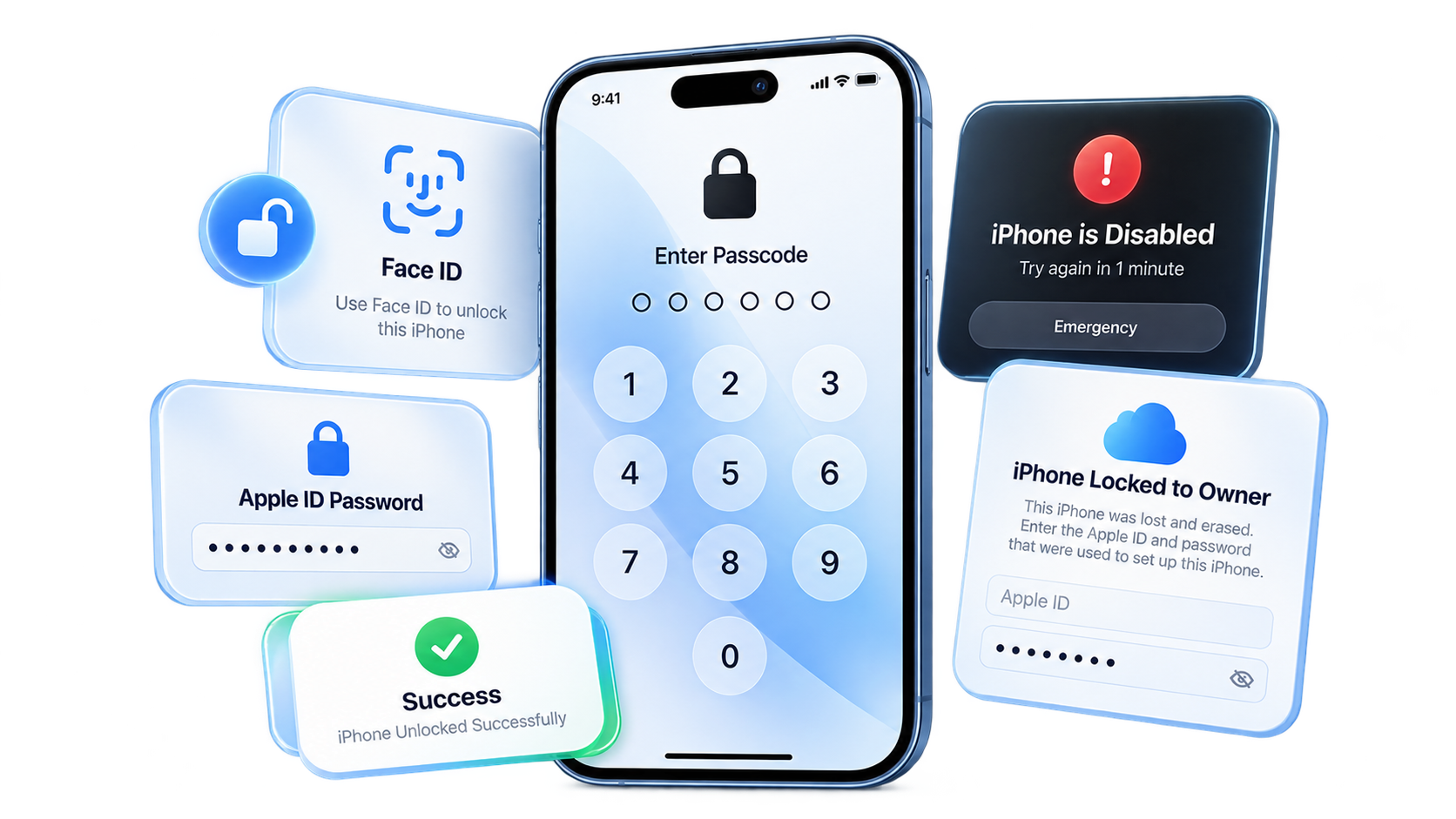
Unlock your iPhone or iPad when you've forgotten your screen passcode, Face ID or Touch ID isn't working, or your device shows iPhone Unavailable.

Forgot your Apple ID password or can't sign out? iMyFone LockWiper helps you remove Apple ID from iPhone or iPad without the original password, making Apple ID removal quick and easy on supported devices.

Forgot your Screen Time passcode or can't turn off Screen Time restrictions? iMyFone LockWiper helps you remove Screen Time passcodes from supported iPhone and iPad devices without the original password, while preserving your data in supported scenarios.
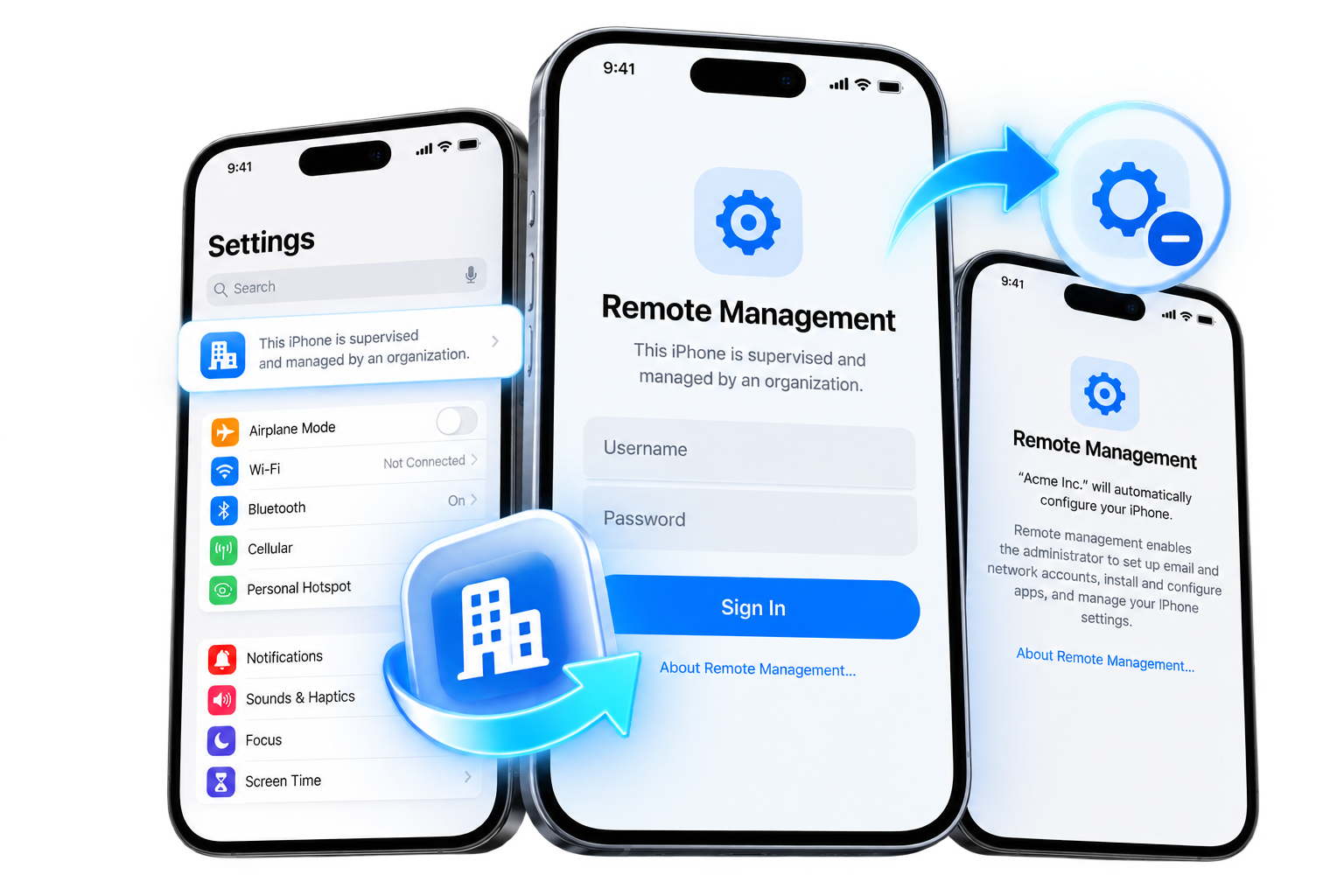
Stuck on the Remote Management screen or unable to remove MDM restrictions? iMyFone LockWiper helps you bypass MDM on supported iPhone and iPad devices without an MDM username or password, making it easier to remove device management restrictions.
Trusted by millions of users worldwide.
★★★★★
“LockWiper helped me unlock my iPhone when I forgot my passcode. Super easy to use and it worked perfectly!”
★★★★★
“I bought a second-hand iPhone with Apple ID lock. LockWiper iOS removed it quickly. Highly recommend this iPhone unlocker software!”
★★★★★
“The MDM removal feature saved me so much time. Now I can finally use my iPad without restrictions. Great tool!”
★★★★★
“I changed my iPhone passcode before a trip and promptly forgot it. LockWiper helped me start over, and the clear instructions made a stressful situation much easier to handle. I knew the reset would erase my data.”
★★★★★
“My old iPad had been sitting in a drawer, and I couldn't remember its passcode. I used LockWiper to reset it and set it up again. It's finally useful around the house instead of collecting dust.”
★★★★★
“I kept getting the iPhone Unavailable message after trying the wrong code. Having one set of instructions to follow was a relief. LockWiper removed the lock, although I had to set everything up again afterward.”
★★★★★
“Face ID had been my everyday shortcut, so I'd completely forgotten the backup passcode. LockWiper gave me a way to reset my iPhone. I appreciated knowing about the data wipe before I committed.”
★★★★★
“I couldn't remember the Screen Time code I'd set on my own iPhone. The separate Screen Time option was easy to find, and removing it meant I could finally adjust my limits again.”
★★★★★
“I was helping my dad with his locked iPhone, with his permission. LockWiper's instructions were much easier for us to follow than jumping between videos. We understood it was a reset, not a way to recover his old code.”
★★★★★
“My iPad's Screen Time settings were stuck behind a code I no longer remembered. I used LockWiper's supported removal option and could change those settings again. That was exactly the problem I needed to solve.”
★★★★★
“I'd forgotten the longer letter-and-number passcode on my spare iPhone. LockWiper helped me remove it and start fresh. I liked not having to understand all the technical terms before getting started.”
★★★★★
“The recovery-mode steps were the part I was worried about. LockWiper showed me what to do for my iPhone, and I could follow along at my own pace. The whole process felt much less intimidating.”
★★★★★
“I checked my iPhone with the trial before paying for the unlock. That helped me understand the process and what I'd need. I was glad I didn't have to guess whether the software could recognize my device.”
★★★★★
“I could unlock my iPhone, but signing out of my old Apple ID was the problem. My device met the removal requirements, and LockWiper helped me move to a different account. Checking those requirements first was important.”
★★★★★
“I had authorization to remove an old management profile from my personal iPad. LockWiper's MDM option helped with that specific setup. It was useful to have this separate from the ordinary screen-passcode tools.”
★★★★★
“I forgot the four-digit code on an older iPhone I wanted to use as a spare. LockWiper helped me reset it. Losing the local data was a trade-off, but I was ready to start fresh.”
★★★★★
“After my iPhone restarted, it wanted a passcode instead of Touch ID, and I drew a blank. LockWiper helped me reset the phone. I read the erase warning carefully before going ahead.”
★★★★★
“I wanted to reuse my own locked iPad rather than replace it. LockWiper guided me through removing the forgotten passcode, and I set it up again afterward. The plain instructions were the part I appreciated most.”
Launch iMyFone LockWiper, and choose “Unlock Apple ID” or “Unlock Screen Passcode” according to your demands.
Connect your iPhone/iPad device to the PC through USB.
Click “Start” and wait for 2-3 minutes to unlock your iPhone/iPad safely.

 LockWiper (iOS)
More helpful articles about iPhone unlocker, tips and solutions.
 Unlock Apple IDUnlock iPhone ScreenBypass MDM LockRemove Screen Time
Passcodes, data loss and free trial options.
Get answers before you begin.
Its screen passcode mode can remove supported screen locks without the original code. The process erases device data and requires a computer. Review the device requirements before proceeding.
A free trial is available to check supported functions and prepare your device. Completing an unlock requires a paid license. Review the current trial and full-version details before purchasing.
Screen passcode removal erases device data. Restore from an existing backup afterward if one is available. Data handling for Apple ID, MDM and Screen Time modes depends on the device and the selected operation.
LockWiper includes Apple ID and MDM modes for supported devices and conditions. Apple ID removal is different from Activation Lock removal. Use MDM removal only on a device you own or are authorized to manage.
LockWiper is available for Windows, Mac, iOS and Android. Choose the version for your platform. Supported functions and connection requirements depend on the selected version; check the product guide before proceeding.
The screen passcode, Apple ID, Screen Time and MDM modes shown here address device access restrictions, not carrier or SIM locks. Contact your mobile carrier about network unlocking.
An iPhone unlocker is software that helps remove supported device access locks. LockWiper provides separate modes for screen passcodes, Apple ID, Screen Time and device management restrictions.
The Screen Time mode can remove a forgotten passcode on supported iPhone and iPad devices. Data preservation and availability depend on the device, iOS version and removal mode. Check the in-app requirements first.
LockWiper supports iPad as well as iPhone. Check the requirements for your particular iPad model, system version and selected unlocking mode before proceeding.
Download LockWiper from the official website and review the instructions for your chosen mode. Back up accessible data first. Screen passcode removal erases the device; other modes have their own requirements.
Pricing depends on the platform and license plan. See the current pricing page for the available plans and terms. The free trial is separate from a license for completing an unlock. View pricing.
A screen passcode is the numeric or alphanumeric code used to unlock an iPhone or iPad. An Apple Account password signs you in to Apple services. Screen Time uses a separate passcode for restrictions.
 Try It Free
 Buy Now