


Stuck on the Apple Logo
Your iPhone reaches the Apple logo but never finishes starting up.


How to...
iPhone Repair and Recovery
iPhone Unlocking and Access
Support

Passper Pro
All-in-one file password recovery

Passper for Excel
Excel password remover

Passper for Word
Word password remover

Passper for PowerPoint
PowerPoint password remover

Passper for PDF
PDF password remover

Passper for RAR
RAR password unlocker

Passper for ZIP
ZIP password unlocker

Passper WinSenior
Windows password recovery

Fixppo
iOS system repair
Online File Restriction Removal
Remove supported file restrictions online
How to
iPhone Repair and Recovery
iPhone Unlocking and Access
Support
iMyFone Fixppo
Get Past the Problem. Get Back to Your iPhone.
An iPhone that won’t start shouldn’t put your day on hold. Fixppo is an iOS repair tool for common software problems, helping you move beyond stuck screens, repeated restarts, and interrupted updates.
Free recovery mode tools are included. System repair and device reset require a license. Advanced Mode erases device data.
4.8/5 (18,920 reviews)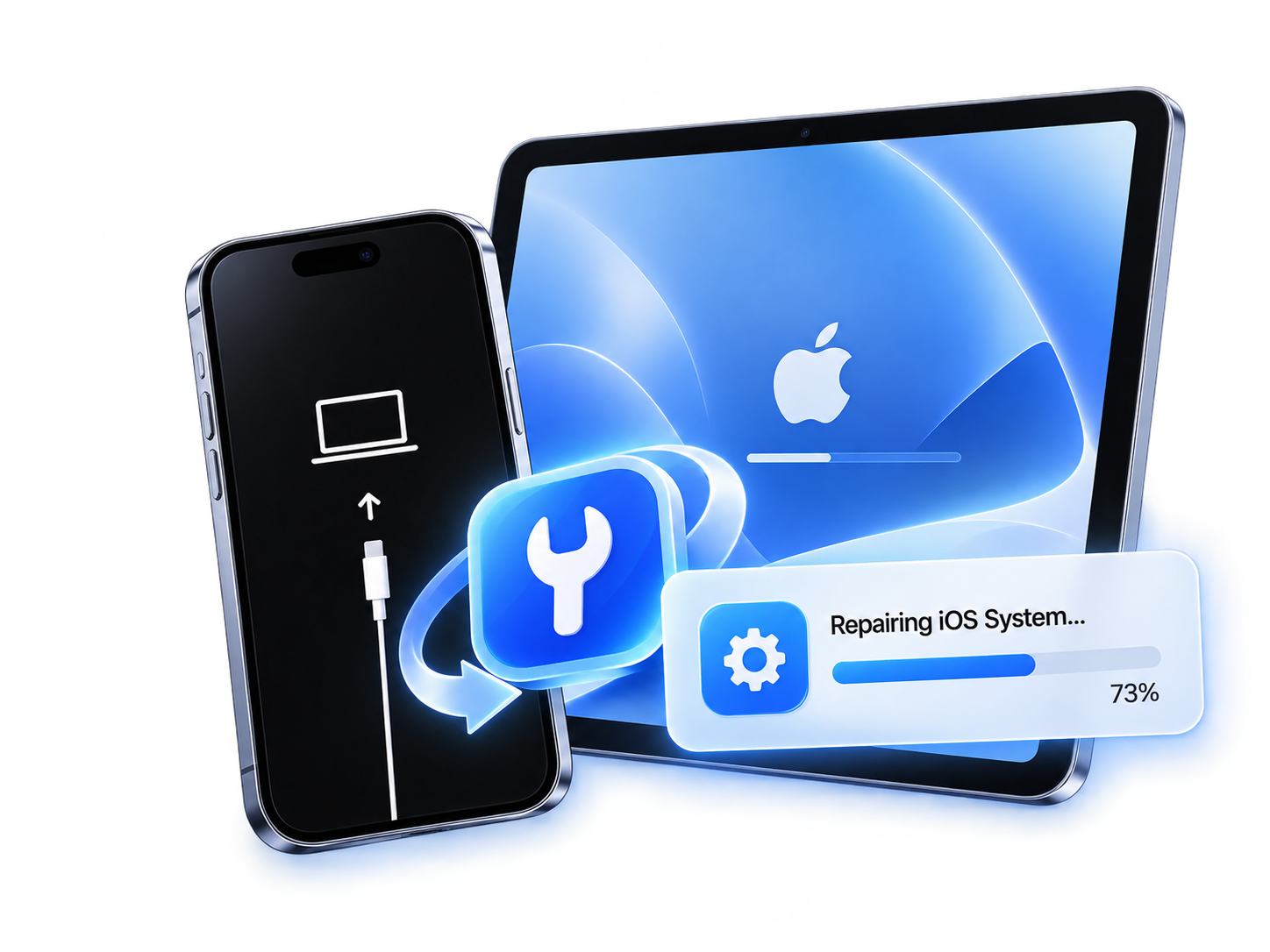
10+Years
iOS Unlocking Expertise
Years of experience developing reliable iPhone unlocking solutions.
40+Models
Wide iPhone & iPad Compatibility
Supports a broad range of iPhone and iPad models, with unlocking options for different iOS versions.
99%
iPhone Unlock Success Rate
Reliable unlocking performance for supported devices and lock scenarios.
3Steps
Easy iPhone Unlocking
Supports a broad range of iPhone and iPad models, with unlocking options for different iOS versions.
Does one of these situations look familiar? Identify what’s happening on your device, then explore the next troubleshooting step.
Your iPhone reaches the Apple logo but never finishes starting up.

A boot loop sends your device through the same startup sequence.

The screen stays black, or your iPhone stops responding during use.
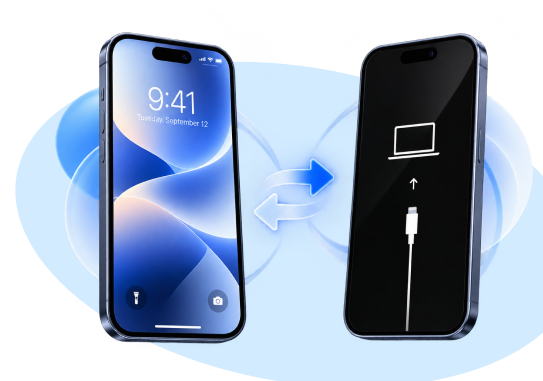
The restore screen won’t go away. Start by trying the free exit tool.

An update stalls or a restore stops before your device is ready to use.

Troubleshoot software-related startup failures and restore normal booting.

Reset or fix a disabled iPhone without iTunes. Note that some methods may erase your data.

Resolve software-related restore-screen loops and return to normal startup.
Fixppo addresses software-related issues. Physical damage and charging faults may need hardware service.
Explore Repair Options ↗Skip the button combinations. Fixppo’s free iPhone recovery mode tool helps you put your iPhone or iPad into recovery mode—or get it out—from your computer.

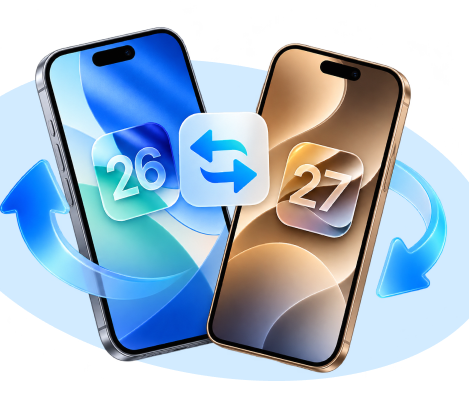
Ready for a newer system—or looking to move back? Explore available firmware with Fixppo and manage your iOS version without iTunes or Finder.

Choose the option that matches your goal: address supported system problems while keeping your data, or reset your device when you want to start again.
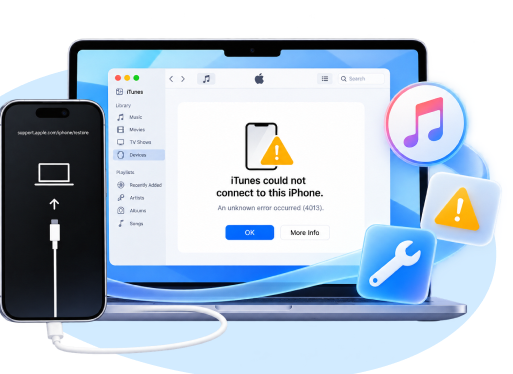
When iTunes cannot recognize your iPhone or complete a restore, Fixppo offers troubleshooting and repair options for supported errors.
Trusted by millions of users worldwide.
★★★★★
“My iPhone kept stopping at the Apple logo after an update. I tried Fixppo's Standard Mode and got back to the Home Screen. I was relieved to find my photos and messages still there.”
★★★★★
“I only needed to get my iPhone out of recovery mode. Fixppo's free exit option did the job for my situation. I liked being able to try that before considering a full repair.”
★★★★★
“My iPad froze while I was getting ready to use it for recipes. Fixppo helped me work through the software repair at home. The instructions were straightforward enough that I didn't feel lost halfway through.”
★★★★★
“My iPhone was restarting over and over, and a normal restart wasn't helping. Fixppo gave me a clear repair process to try. After Standard Mode finished, I could use the phone normally again.”
★★★★★
“I was worried about wiping my iPhone just to fix a startup problem. Having Standard Mode as the first option was reassuring. In my case, the phone started working again and my data stayed in place.”
★★★★★
“I struggled with the button sequence for entering recovery mode. Fixppo's recovery-mode tool was much easier for me to use from the computer. It took the guesswork out of that part of the process.”
★★★★★
“My iPhone showed a black screen after a software update, even though the computer detected it. Fixppo helped with the software problem. I was relieved when the display came back and the phone restarted.”
★★★★★
“The firmware download took a while on my connection, but I could see the progress. Fixppo then walked me through the repair. I preferred that to repeatedly trying the same restart and hoping for a different result.”
★★★★★
“My iPad was stuck on the Apple logo and wouldn't reach the Home Screen. I used Fixppo's Standard Mode from my computer. Getting back into the tablet without starting from scratch was a huge relief.”
★★★★★
“I wanted to check my device before buying a repair license. Fixppo's trial let me see the connection and preparation steps first. That made it easier to decide whether to continue with the full repair.”
★★★★★
“Standard Mode didn't solve my iPhone's problem, so I reviewed the Advanced Mode warning carefully. I chose to proceed knowing it would erase the phone. Fixppo helped me get the device working again, ready for setup.”
★★★★★
“I needed to reset my own iPad and was ready to remove its old data. Fixppo kept the reset option separate from system repair. That made it easier to choose the task I actually wanted.”
★★★★★
“I used Fixppo to back up my iPhone before making a system change. Having backup and repair tools together helped me feel more prepared. I liked being able to check the backup before moving on.”
★★★★★
“My iPhone update wouldn't complete through the usual route. Fixppo showed the available firmware for my device and guided me through an upgrade. I was happy to get it finished without more trial and error.”
★★★★★
“I wanted to return to an available signed iOS version after a troublesome update. Fixppo helped me through the downgrade after I backed up my data. I appreciated having the supported options laid out rather than guessing.”
Open Fixppo, select Apple System Repair, and connect your device. Start with Standard Mode for a data-preserving repair.
Click the Download button to download and install the iOS firmware.
Successfully fixed iPhone problems and restart your device automatically.
 Fixppo
Get answers about iOS system repair, data safety, and free features before you begin.
Visit the help centerFixppo targets software-related problems such as an Apple-logo freeze, repeated restarts, recovery-mode loops and failed updates. Similar symptoms can have different causes, so a software repair is not a guarantee that every device fault will be resolved.
Standard Mode is designed to repair common system issues while retaining data. Advanced Mode and device reset erase data, so read the selected mode's warning and back up whenever possible.
Entering and exiting recovery mode are free features. Completing Standard Mode, Advanced Mode or a device reset requires the full version; the trial lets you check compatibility and explore the preparation steps.
Start with Standard Mode for supported common system problems when you want to keep your data. Advanced Mode is a further option if Standard Mode fails, but it erases the device.
Yes, it includes a free exit-recovery-mode feature for supported iPhones and iPads. If the device returns to recovery mode because of an underlying system problem, a repair may still be needed.
Yes. Install Fixppo on a supported Windows PC or Mac and connect your device with a USB data cable. Keep the connection stable throughout firmware installation or repair.
Fixppo supports system repair for compatible iPad and Apple TV devices as well as iPhones. Device and feature support can differ, so check the current specifications and the mode you plan to use.
It can offer a downgrade when compatible, signed firmware is available for your device. Downgrading erases device data, so create a backup first and check whether that backup can be restored to the target version.
Fixppo's repair workflow does not require a jailbreak. Download the software from the official website and review the firmware and data-loss notices before making changes to your device.
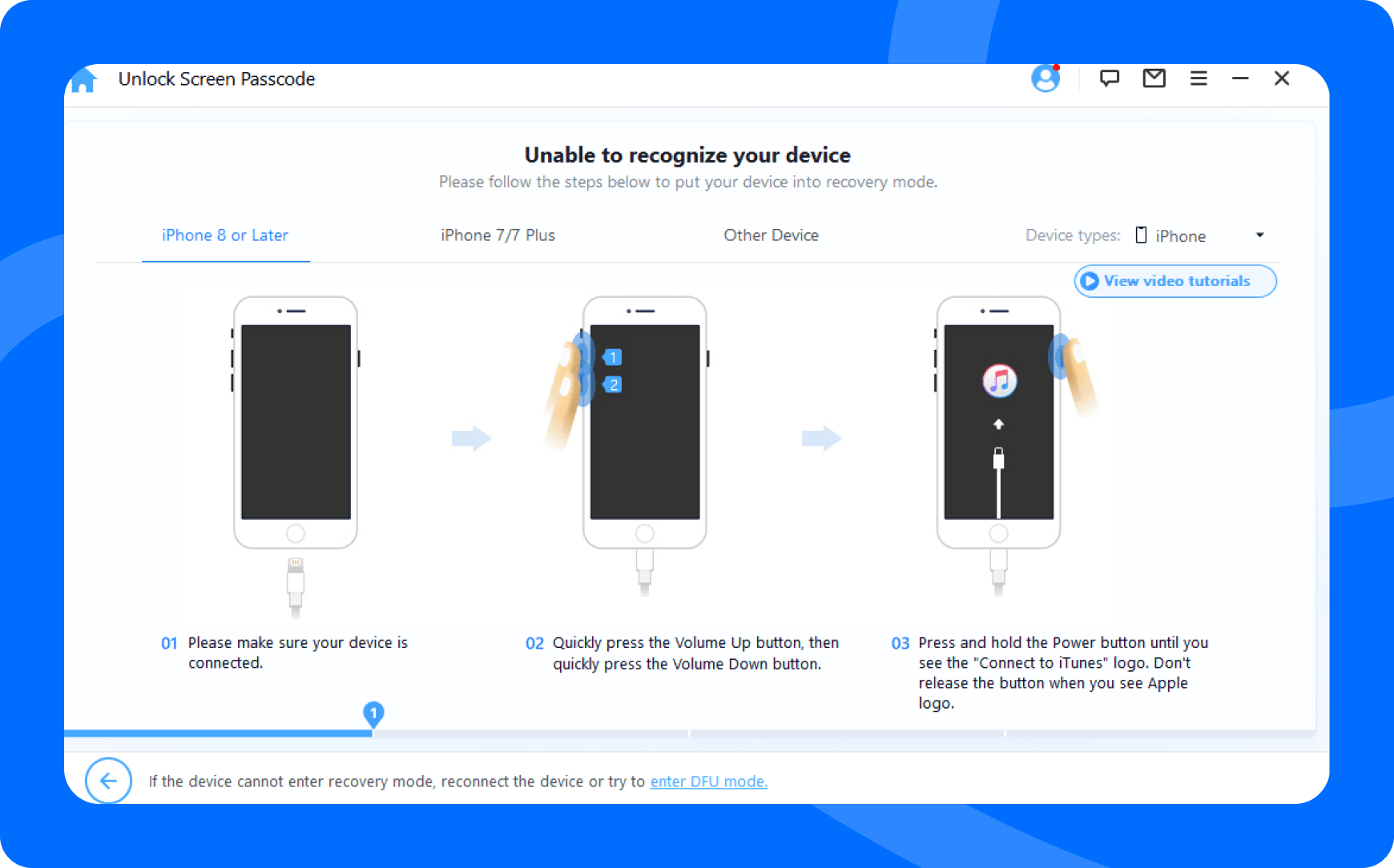
Try another USB port or data cable and follow the software's recovery-mode instructions. If detection still fails, contact support before repeating the repair or choosing an erase-based mode.
 Try It Free
 Buy Now