


Forgotten PIN or Password
You can’t remember the screen code you set, and your phone won’t let you in.


How to...
iPhone Repair and Recovery
iPhone Unlocking and Access
Support

Passper Pro
All-in-one file password recovery

Passper for Excel
Excel password remover

Passper for Word
Word password remover

Passper for PowerPoint
PowerPoint password remover

Passper for PDF
PDF password remover

Passper for RAR
RAR password unlocker

Passper for ZIP
ZIP password unlocker

Passper WinSenior
Windows password recovery

Fixppo
iOS system repair
Online File Restriction Removal
Remove supported file restrictions online
How to
iPhone Repair and Recovery
iPhone Unlocking and Access
Support
iMyFone LockWiper (Android)
Locked out by a forgotten PIN, pattern, or password? iMyFone LockWiper (Android) helps remove screen locks and Google FRP on supported devices, with on-screen instructions to guide you through the process.
4.8/5 (18,920 reviews)
5Lock Types
Android Screen Lock Removal
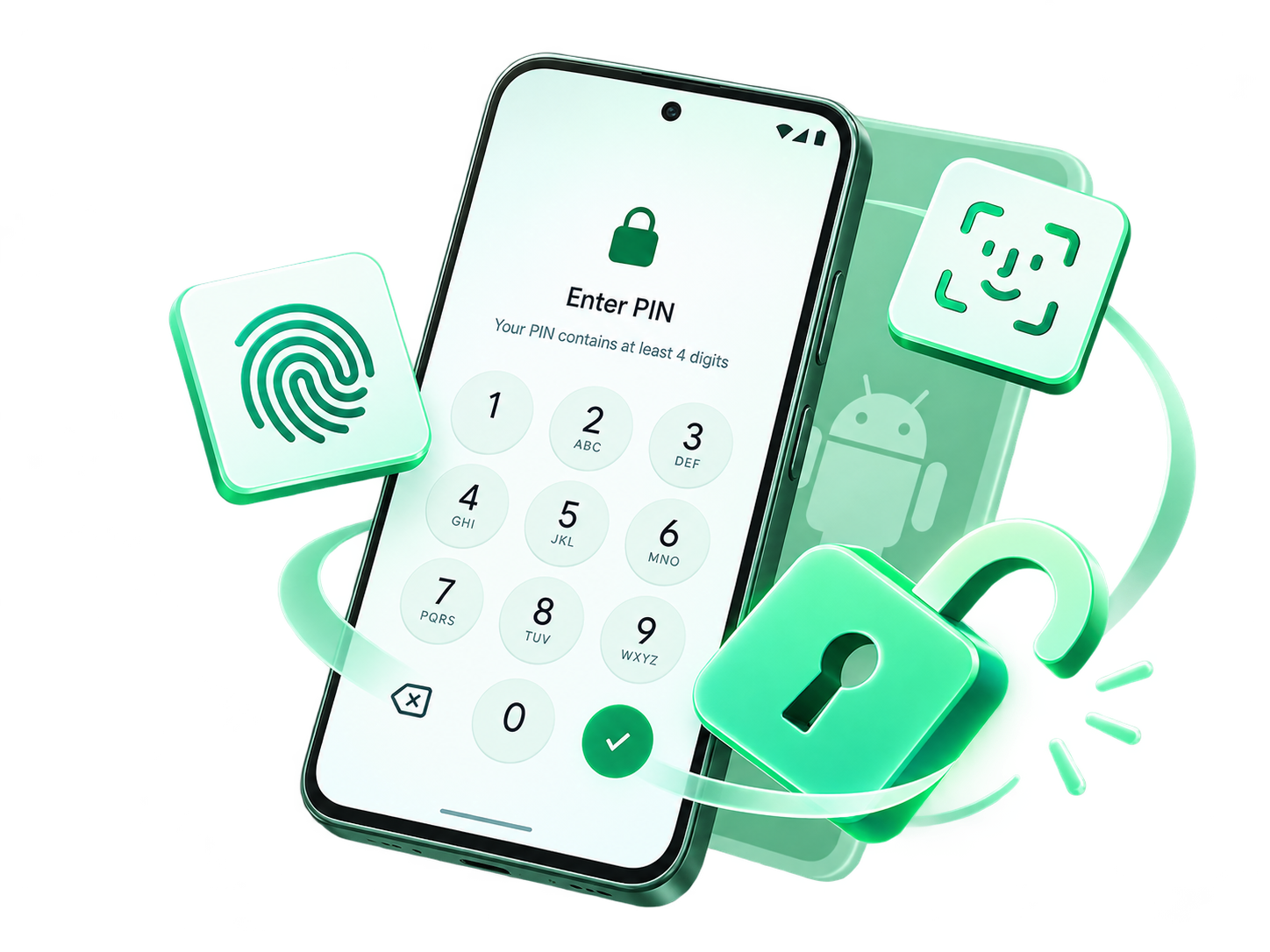
Remove PIN, pattern, password, fingerprint, and face locks on supported Android devices.
20+Brands
Broad Android Compatibility
Explore screen lock removal for Samsung, Xiaomi, Motorola, and more. Support varies by model and feature.
2Core Functions
Screen Unlock & FRP Removal
Choose the right option for a forgotten screen lock or Google verification on supported devices.
3Steps
Guided Android Unlocking
Choose a mode, connect your device, and follow the on-screen instructions to begin unlocking.
A forgotten screen code and Google verification are different problems. Choose the appropriate unlock option.
You can’t remember the screen code you set, and your phone won’t let you in.

The pattern you used before no longer comes to mind, even after several attempts.

Your phone asks for the backup PIN or password, but you don’t remember it.

Device setup asks for a previously synced Google account before you can continue.

A phone you purchased still has a screen lock or asks for the previous owner’s Google account.

You’ve found a phone you own, but its forgotten screen password stands in the way.
When the lock screen stands between you and your phone, LockWiper’s Android screen lock removal software provides a guided way forward. Select the appropriate mode and follow the instructions for your supported device.

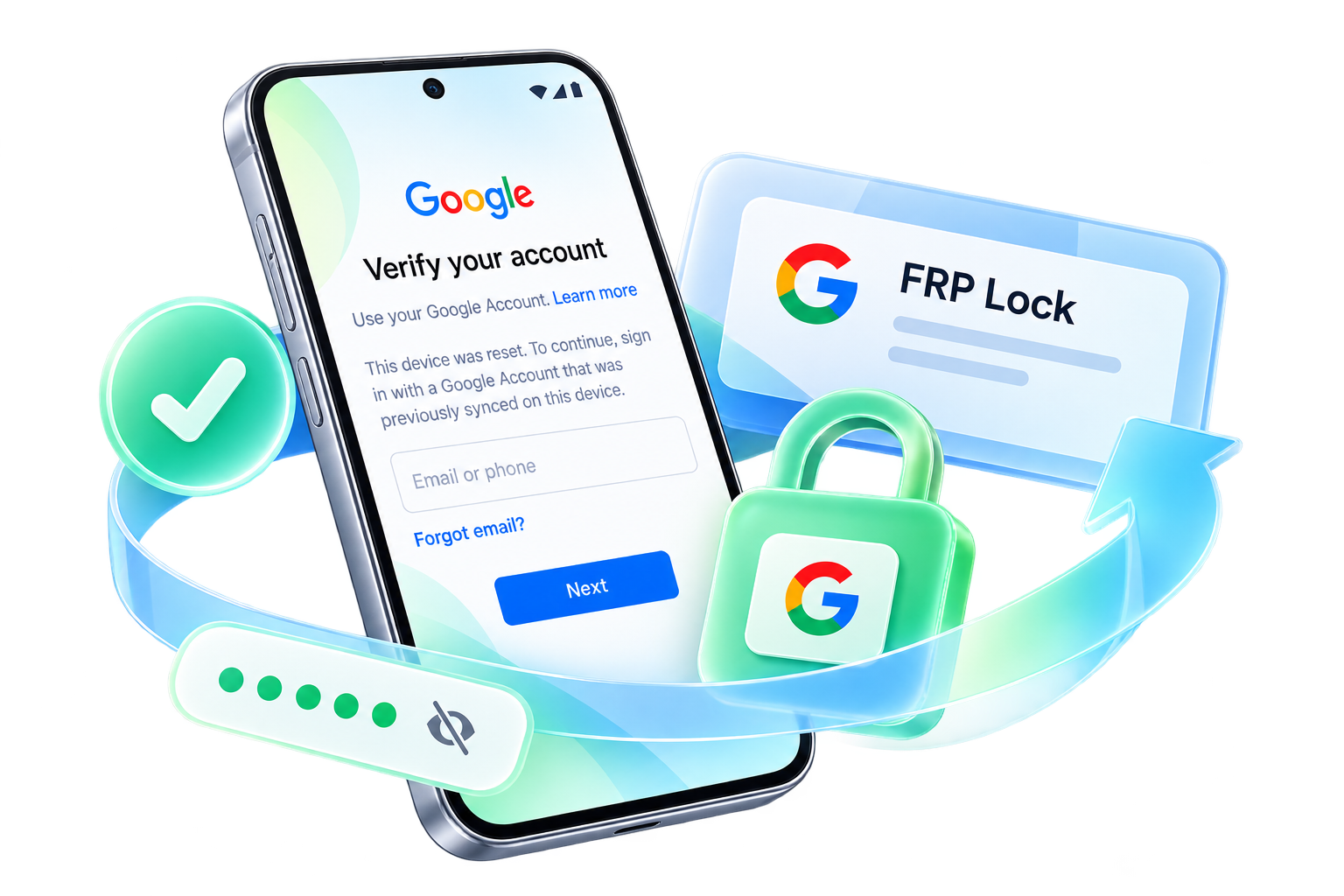
Stuck at Google account verification after resetting your phone? LockWiper (Android) includes a dedicated FRP removal option for supported devices when the previously linked account credentials are unavailable.

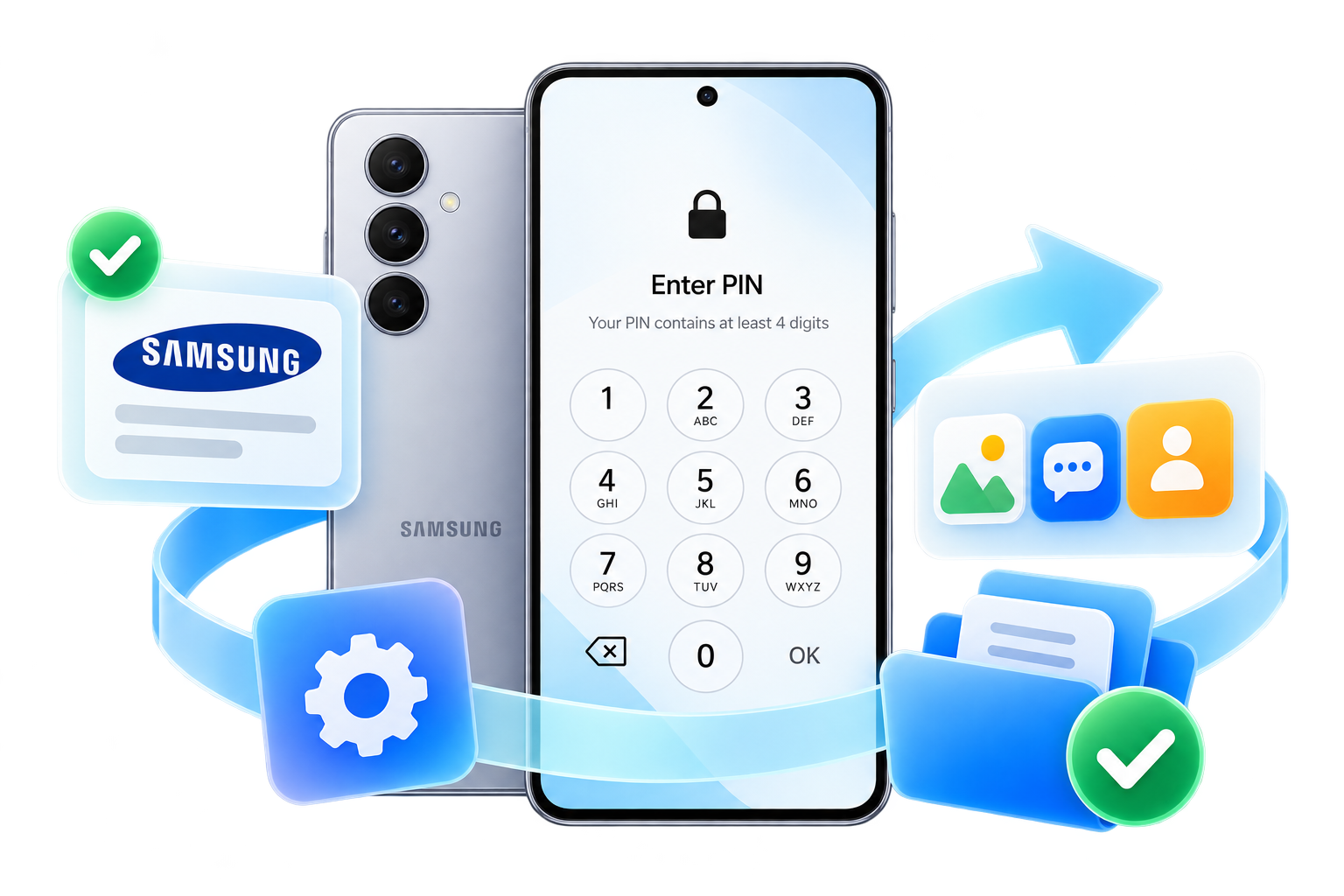
Your photos, messages, and contacts matter. Before choosing a removal method, check whether your Samsung phone supports LockWiper’s dedicated Remove without Data Loss mode.
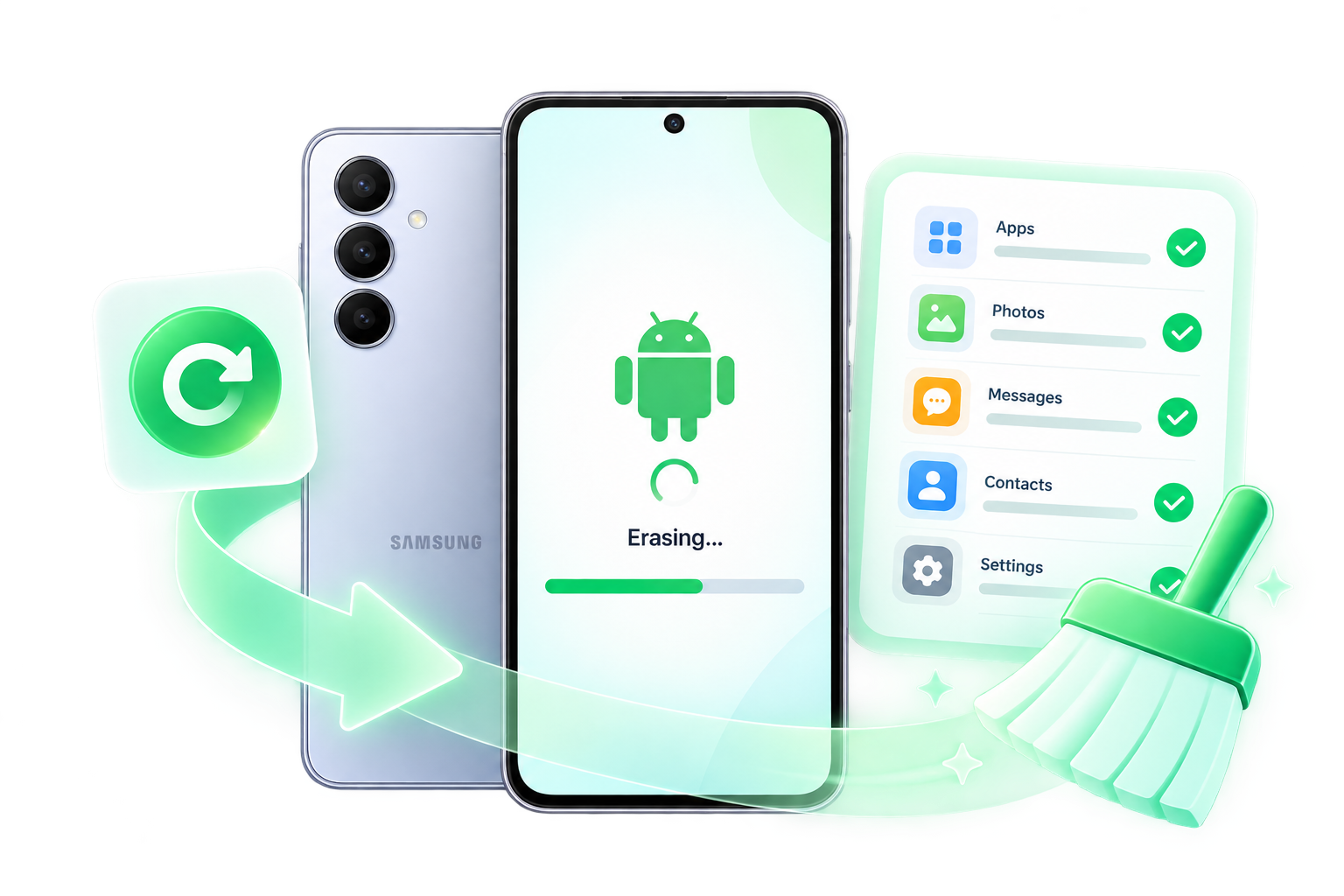
Have an old phone you want to use again, but no longer remember its screen password? Explore the supported reset workflow when you’re ready to erase the device and start over.
Trusted by millions of users worldwide.
★★★★★
“LockWiper helped me unlock my iPhone when I forgot my passcode. Super easy to use and it worked perfectly!”
★★★★★
“I bought a second-hand iPhone with Apple ID lock. LockWiper iOS removed it quickly. Highly recommend this iPhone unlocker software!”
★★★★★
“The MDM removal feature saved me so much time. Now I can finally use my iPad without restrictions. Great tool!”
★★★★★
“I forgot the PIN on my spare Android phone and needed a fresh start. LockWiper guided me through removing the screen lock. I accepted that the phone would be erased, and the next steps were easy to follow.”
★★★★★
“My Samsung model qualified for the no-data-loss option. That mattered because I hadn't backed up some photos. I checked the exact model first, then used LockWiper to remove the forgotten screen lock.”
★★★★★
“I hadn't used my Android tablet in ages and couldn't remember its pattern. LockWiper helped me reset it so I could set it up again. It was nice to put the tablet back to use.”
★★★★★
“After restarting my phone, I couldn't use my fingerprint without entering a PIN I had forgotten. LockWiper helped me get past the screen-lock problem. I understood that my chosen mode would wipe the device.”
★★★★★
“My own Samsung phone stopped at Google verification after a reset. I checked the FRP requirements and followed LockWiper's instructions. Being able to finish setting up the phone again was a real relief.”
★★★★★
“I changed my Android password and mixed it up with an older one. LockWiper gave me a clear reset process instead of more guessing. I was prepared to erase the phone and begin again.”
★★★★★
“I was helping my mum reset her locked Android phone with her permission. We followed the instructions together rather than trying random button combinations. LockWiper made it much easier to understand what we were doing.”
★★★★★
“I checked compatibility before buying because my phone wasn't a Samsung. LockWiper recognized my supported model, and I used the regular screen-lock removal option. I knew that option wouldn't preserve the phone's data.”
★★★★★
“My Redmi was stuck at Google verification after I'd reset it. Once I confirmed support for my setup, I tried LockWiper's FRP tool. The guided steps helped me get back to setting up my own phone.”
★★★★★
“I wanted to reuse an old Android handset, but the pattern was long forgotten. LockWiper helped me remove the lock and start from scratch. I didn't need to keep the files on it, so resetting suited me.”
★★★★★
“I was nervous about choosing the wrong option for my Samsung. The separate data-preserving mode made me stop and check the model list first. My supported device unlocked, and I was glad I'd checked before proceeding.”
★★★★★
“My phone wasn't detected on the first try. I changed the USB cable, reconnected it and continued with LockWiper. Once the connection was working, having the instructions in one place made things much simpler.”
★★★★★
“I'd been relying on face unlock and had forgotten the password underneath it. LockWiper helped me reset the screen lock on my supported phone. I had to set the device up again, but I could use it afterward.”
★★★★★
“I appreciated being able to check my device in the trial first. I wasn't looking for lots of extra features, just help with a forgotten screen lock. LockWiper's layout made that option easy to find.”
★★★★★
“I owned the phone but no longer had the old Google account details after resetting it. LockWiper's supported FRP process helped me complete setup. I checked compatibility and the data-loss warning before starting.”
Open LockWiper (Android) and select Remove Screen Lock or Remove Google Lock (FRP).
Connect your phone by USB and check the requested device information.
Review the data notice, download any required package, and follow the on-screen steps until the process finishes.


Get answers about screen locks, Google FRP, data loss, and trial options before you begin.
Visit the help centerIts screen passcode mode can remove supported screen locks without the original code. The process erases device data and requires a computer. Review the device requirements before proceeding.
A free trial is available to check supported functions and prepare your device. Completing an unlock requires a paid license. Review the current trial and full-version details before purchasing.
Screen passcode removal erases device data. Restore from an existing backup afterward if one is available. Data handling for Apple ID, MDM and Screen Time modes depends on the device and the selected operation.
LockWiper includes Apple ID and MDM modes for supported devices and conditions. Apple ID removal is different from Activation Lock removal. Use MDM removal only on a device you own or are authorized to manage.
LockWiper is desktop software for Windows or Mac. Install the software on a compatible computer and connect your iPhone or iPad with a USB cable.
The screen passcode, Apple ID, Screen Time and MDM modes shown here address device access restrictions, not carrier or SIM locks. Contact your mobile carrier about network unlocking.
An iPhone unlocker is software that helps remove supported device access locks. LockWiper provides separate modes for screen passcodes, Apple ID, Screen Time and device management restrictions.
The Screen Time mode can remove a forgotten passcode on supported iPhone and iPad devices. Data preservation and availability depend on the device, iOS version and removal mode. Check the in-app requirements first.
LockWiper supports iPad as well as iPhone. Check the requirements for your particular iPad model, system version and selected unlocking mode before proceeding.
Download LockWiper from the official website and review the instructions for your chosen mode. Back up accessible data first. Screen passcode removal erases the device; other modes have their own requirements.
Pricing depends on the platform and license plan. See the current pricing page for the available plans and terms. The free trial is separate from a license for completing an unlock. View pricing.
A screen passcode is the numeric or alphanumeric code used to unlock an iPhone or iPad. An Apple Account password signs you in to Apple services. Screen Time uses a separate passcode for restrictions.
 Try It Free
 Buy Now